Bright Viewing for Real Rooms: 4K Decoding Daylight Projectors
A daylight-capable projector is designed for the spaces people actually use—living rooms with windows, lamps, and light-colored walls—where a traditional projector can look flat and washed out. The goal isn’t “perfect darkness”; it’s a big, sharp image that holds up when the room isn’t. Below is a practical breakdown of what “4K decoding” really means, which performance specs matter most for bright-room viewing, and how to plan placement, screen size, and connectivity for consistent results.
What “4K Decoding” Means (and What It Doesn’t)
“4K decoding” refers to a projector’s ability to accept and process a 4K input signal from common sources such as streaming boxes, game consoles, and PCs. In other words, it can take a 3840×2160 signal, interpret it correctly, and display it at the projector’s output capability.
That doesn’t automatically mean the projector’s imaging chip is native 4K. Some models display a different native resolution while using processing techniques to preserve detail. The perceived sharpness depends on the optical system (lens quality, focus uniformity), image processing, and how cleanly the projector handles motion and compression artifacts.
Compatibility can hinge on a few details that are easy to overlook:
- HDMI version and bandwidth determine which resolutions and refresh rates can pass reliably. HDMI specs vary by device; confirm what your sources output and what the projector accepts via the HDMI specifications overview.
- HDCP support (content protection) is often required for major streaming services at higher resolutions.
- Gaming needs may require specific refresh rates and low input lag. If a console is the main source, check whether a low-latency mode is available and what resolutions it supports.
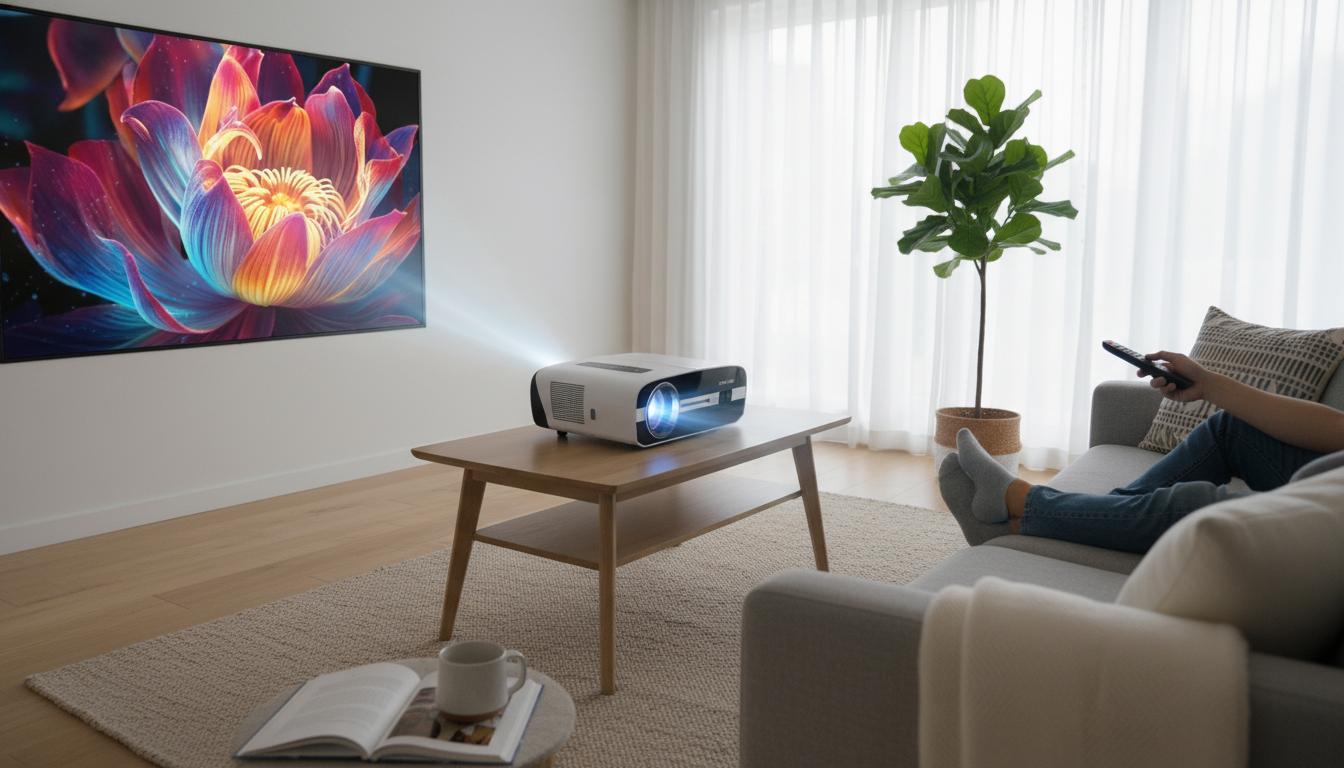
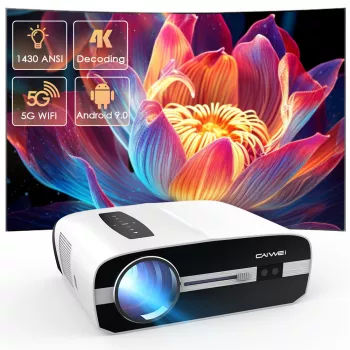
For a living-room setup that needs to handle modern sources without fuss, a 4K Decoding Daylight Projector is a straightforward option to consider when you want big-screen flexibility without committing to a dedicated theater room.
Daylight Performance: Brightness, Contrast, and the Room Itself
In daytime viewing, the room is half the “display.” Ambient light raises the black floor, which makes shadows look gray and reduces perceived contrast. That’s why brightness (light output) is usually the first limiter: as screen size grows, the same projector light is spread over a larger area, and the image can lose punch.
Contrast is also heavily influenced by what surrounds the screen. Light walls and ceilings reflect the projector’s own light back onto the screen, washing out blacks even if the projector itself has strong contrast specs. Practical steps—like darker matte paint near the screen or controlling the brightest window—often make a bigger difference than small menu tweaks.
Color brightness matters too. A projector can look “bright” but still feel dull if colors desaturate under higher lamp/LED modes or in strong ambient light. For sports and everyday TV, maintaining color volume helps the image look lively instead of chalky.
Finally, the screen can be a major upgrade lever. An ALR (ambient light rejecting) screen can improve perceived contrast by directing more of the projector’s light toward the seating area while rejecting off-axis room light. To understand how screen properties affect perceived brightness, see Projector Central’s explanation of screen gain and sizing tools.
Daylight Setup Checklist
| Factor |
Why it matters |
Practical tip |
| Ambient light |
Raises black floor and reduces contrast |
Close curtains on the brightest window side; avoid direct light hitting the screen |
| Screen gain/ALR |
Improves perceived contrast in bright rooms |
Use ALR for living rooms; choose size based on seating distance |
| Wall/ceiling color |
Reflections wash out the image |
Darker matte finishes near the screen reduce bounce light |
| Projector mode |
Affects brightness vs. color accuracy |
Use brighter mode for sports/daytime, calibrated mode for night movies |
Image Quality Controls That Make the Biggest Difference
When a projector is used in open spaces, a few adjustments have outsized impact on clarity and perceived detail:
Placement, Throw Distance, and Screen Size Planning
Throw distance depends on the lens design, so measure the space from your shelf or ceiling mount to the screen and confirm the projector can fill your desired size at that distance. If seating is flexible, use common viewing-distance guidance to avoid pushing size beyond comfortable clarity; CNET’s screen size and viewing distance guidelines are a helpful baseline.
- Ventilation and fan noise: Higher brightness usually means higher fan speed. Keep vents unobstructed and avoid enclosed cabinets.
- Cable routing and power: Decide early whether sources will sit near the projector (short HDMI) or near the seating area (long HDMI). If you’ll power or charge a streaming device in a tight spot—like behind a console or on a shelf—having a tidy cable can reduce clutter. The 66W 5A Fast Charging Spring Retractable USB Type C Cable – For Car & On-the-Go can be a handy option for compact charging and cleaner routing.
Audio and Connectivity for a Living-Room Setup
Who This Projector Fits Best
FAQ
Can a daylight projector replace a TV in a bright room?
It can, as long as you have enough brightness for your chosen screen size and you manage direct sunlight on the screen area. Pairing the projector with an ALR screen can significantly improve contrast and perceived punch in typical living-room light.
Is 4K decoding the same as native 4K resolution?
No. 4K decoding means the projector can accept and process a 4K input signal, while native resolution describes the projector’s actual display hardware. The final visible detail depends on the imaging system, optics, and processing.
Do keystone corrections reduce image quality?
They can. Digital keystone reshapes the image and may soften fine detail, so physical placement and alignment should be the first choice. Use minimal correction only when necessary.
Recommended for you









Leave a comment