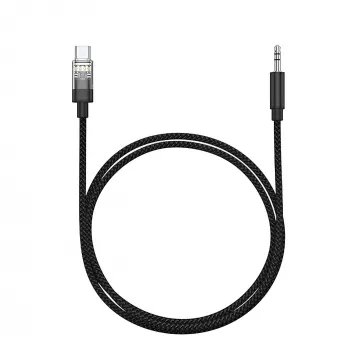
Type-C to 3.5mm AUX Adapter: Clean Audio From USB-C to Car Stereos, Speakers, and Headphones
A Type-C to 3.5mm AUX adapter is the bridge between today’s USB-C phones, tablets, and laptops and the classic 3.5mm input found in car stereos, portable speakers, headphones, and home audio gear. The best results come down to one key detail: whether your device can output analog audio over USB-C or whether it needs an adapter with a built-in DAC (digital-to-analog converter). Beyond compatibility, small everyday factors—mic support, in-line controls, and cable durability—make a big difference in the car and on the go.
When a USB-C to 3.5mm adapter is the simplest fix
If you’ve ever jumped into a rental car or older vehicle and realized Bluetooth pairing is a hassle (or simply unreliable), a compact AUX adapter is often the fastest way to get consistent sound.
- Connect a USB-C phone to a car AUX input for music, podcasts, and navigation prompts; some setups can also handle hands-free calls when microphone support is available.
- Keep using wired headphones with devices that no longer include a headphone jack.
- Feed audio to speakers, soundbars, mixers, portable amps, and other gear that only accepts a 3.5mm input.
- Store a small backup adapter for travel, rentals, shared vehicles, or work laptops where Bluetooth pairing isn’t convenient.
- Reduce pairing steps and avoid the extra battery drain that can come with long Bluetooth listening sessions.
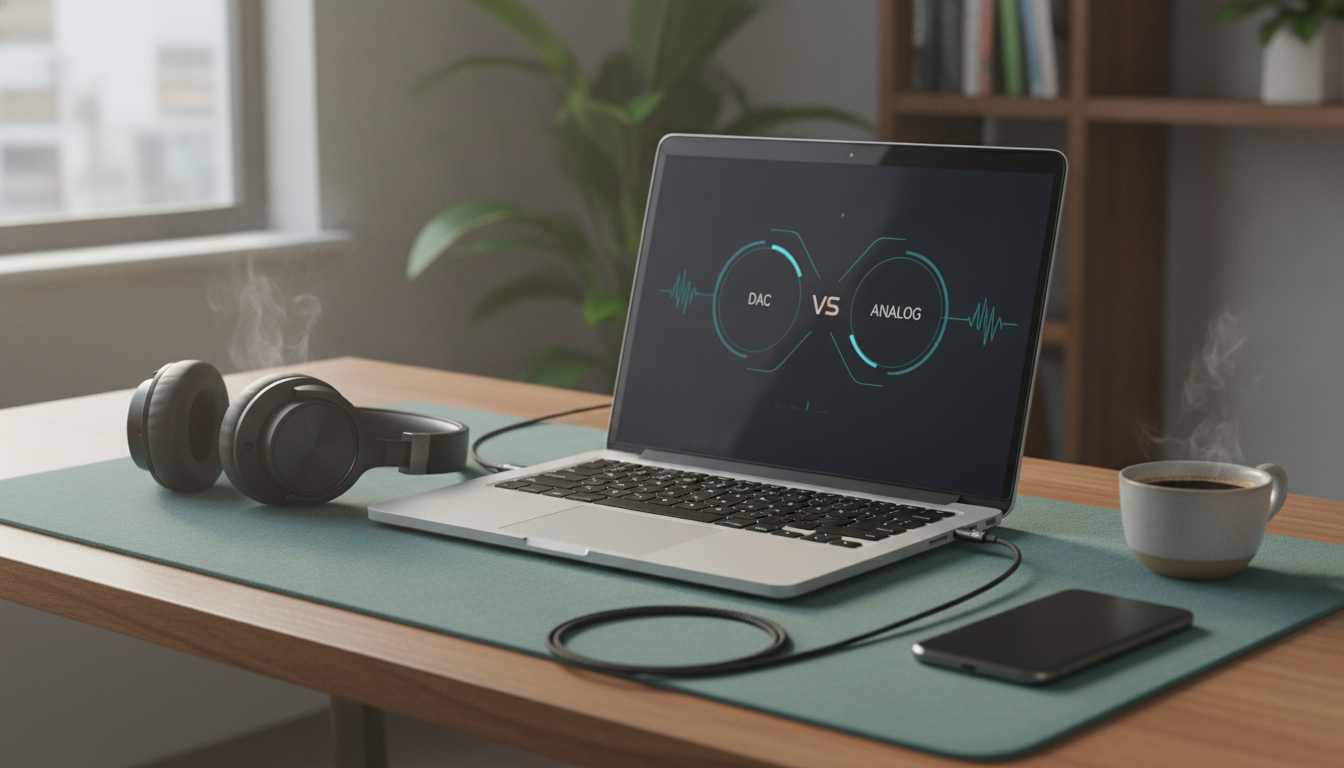
Understanding adapter types: DAC vs. analog pass-through
Not all USB-C to 3.5mm adapters do the same job. Some simply pass through an analog signal (only if your device supports it), while others actively convert digital audio into analog audio using a DAC.
- DAC-based adapters convert digital audio from USB-C into analog 3.5mm audio. These are common because many newer phones and tablets output only digital audio over USB-C.
- Analog pass-through adapters rely on the device supporting analog audio accessory mode; some devices do, many do not.
- If an adapter works on one phone but not another, the difference is often the DAC requirement—not necessarily a defective adapter.
- For cars and speakers, a DAC-based adapter is usually the safer choice for broader compatibility.
- Some adapters support TRRS (headset with microphone), while others are TRS (audio only). This affects calling and mic use.
Quick compatibility checklist before buying
| What to check |
Why it matters |
What to look for |
| Device audio output over USB-C |
Determines whether a DAC is required |
Adapter advertised as supporting USB-C digital audio (DAC) for wider device support |
| Headset microphone support (TRRS) |
Enables calls/voice notes with wired headsets |
TRRS support and “mic supported” notes |
| In-line controls (play/pause/volume) |
Not all adapters pass button commands reliably |
Mention of CTIA standard or in-line control compatibility |
| Car AUX sensitivity / noise |
Poor shielding can add hiss or interference |
Short cable, good strain relief, stable connectors |
| Case clearance |
Bulky plugs can fail to seat fully through thick cases |
Slim USB-C plug profile |
For deeper background on how USB-C is defined and implemented, the USB Type-C specification documents (USB-IF) are the most authoritative reference. Android’s implementation details for USB audio are also documented by Android Open Source Project resources.
Sound quality expectations for car and home audio
A well-made adapter should deliver stable stereo output with minimal hiss. Cars can be more revealing than headphones because the stereo’s AUX input may amplify noise and interference.
Fit, durability, and day-to-day handling
Setup and troubleshooting in under five minutes
- No sound: Confirm the USB-C plug is fully seated; remove thick cases temporarily and reinsert until it stops firmly.
- One-sided or crackling audio: Test with a different 3.5mm cable or headphones; inspect the 3.5mm jack for debris.
- Audio plays but calls use the phone mic: Verify the adapter supports TRRS mic; check the phone’s input settings where available.
- Intermittent disconnects: Try another USB-C port (laptops), disable battery optimization for music apps (phones), and avoid wiggling the connector while driving.
- No compatibility with a specific phone: The device may require a DAC-based adapter; check the manufacturer’s USB-C audio behavior. Apple publishes compatibility guidance for its own adapter on Apple Support.
Recommended pick and useful add-ons
FAQ
Will a Type-C to 3.5mm AUX adapter work with any USB-C phone?
Not always. Some phones require a DAC-based adapter because they output only digital audio over USB-C, while a smaller set of devices can use analog pass-through; microphone and in-line control support can also vary by model.
Can the adapter support phone calls and a headset microphone in the car?
It depends on whether the adapter supports TRRS (headset + mic) rather than TRS (audio only). Look for TRRS/CTIA compatibility notes and test with the specific headset and phone for consistent call mic selection.
Why do I hear buzzing or humming when charging and using AUX at the same time?
This is commonly ground-loop noise in cars. Unplug the charger to confirm, then try a different car charger, route audio and power cables apart, or use a ground-loop isolator if the noise persists.
Recommended for you










Leave a comment